
Use the prompt shown on your device
Approach or select your pet, then press the ride prompt shown on screen. Once the mount responds, a Dismount control should appear. Press that control when you want to walk again.
The exact input can differ between keyboard, touch, and controller layouts. Follow the live button label rather than memorizing one platform’s key. If the prompt changes after an update, the current interface takes priority.
Mount before beginning an egg route
Choose the pet you want to ride while you are still at My Plot. Mount in an open area, point the camera toward your first landmark, and confirm that movement responds correctly before starting the timer or activating a target.
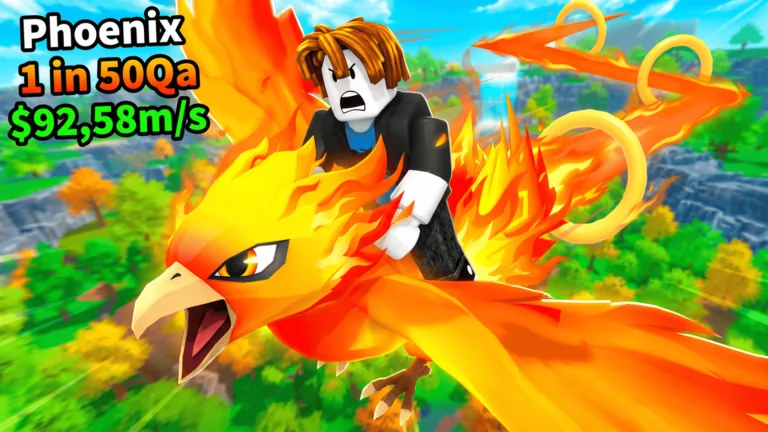
Mounted gameplay includes a lightning-marked speed value. Note that value when comparing pets, but also test how the mount handles. A fast pet that constantly overshoots narrow pickups can lose to a steadier pet on a real route.
Before setting off, glance at five things:
- The correct pet is selected.
- The Dismount control is visible.
- The basket has an open slot.
- Track has one active target.
- The route’s first landmark is visible.
If one of those is missing, fix it before leaving the plot.
Dismount in a safe space
Slow down before dismounting. Find a flat patch away from walls and ledges, press the displayed Dismount control once, and wait for your character to step clear before using another interaction.
Egg pickups and My Plot stations can get cramped. Scenery can hide a prompt or leave your character on the wrong side of the object, so give yourself a little room.
If a pickup works while mounted, you do not need to dismount merely out of habit. Watch the basket counter to confirm registration. If the interaction does not appear, stop beside the egg, adjust the camera, and try the live prompt from a safer position.
Handle flying and ground pets differently
Ground mounts are straightforward on clear paths, but turns and obstacles still affect their practical speed. Begin turning before a tight corner and avoid steering directly into small decorative objects.
Flying pets add height to the route. Give yourself room to take off, control altitude before approaching a target, and plan a landing area wide enough for a slow final approach. Do not dive onto an egg at full speed. Line up with the pickup, reduce movement, and confirm the basket counter before leaving.
Match the pet to the route. Flight cuts out climbs and obstacles. A responsive ground mount can still be quicker on an open path.
Fix a missing mount or Dismount prompt
First, stop moving and reposition the camera. Step away from walls, plot equipment, and other pets. Re-select the intended pet and wait for the interaction to appear. On touch or controller, check the action labels currently shown rather than trying keyboard instructions.
If the Dismount control is missing but you still move as if mounted, return to an open area and wait briefly for the interface to update. If the state remains stuck, rejoin the server. After reconnecting, confirm your pet and basket state before resuming the route.
Avoid repeated rapid inputs. Spamming mount and dismount can make it harder to tell which action registered and can leave you poorly positioned around an egg.
Practice with a short control course
Use a loop near My Plot to learn a new pet. Practice starting, turning, stopping beside a landmark, dismounting on flat ground, remounting, and returning to the same point. Then add an actual egg pickup.
Time is secondary during the first run. You are learning how early to brake and how much space the pet needs. Once you can finish without collisions or missed interactions, compare its time with your usual mount on the same course.
Keep control advice version-safe
Only trust an exact key when it appears on the device you are using. The live prompt should put you into mounted movement and reveal a Dismount action. Pressing that action should return normal character movement.
That approach works across control schemes and remains clear when interface labels change.
FAQ
How do I mount a pet in Ride A Pet?
Select or approach your pet and use the ride interaction displayed by the current interface. Confirm that mounted movement starts and a Dismount control appears.
How do I get off my pet?
Stop in a flat open area and use the visible Dismount control. Wait for your character to separate from the pet before starting another interaction.
What key is Dismount on PC?
Read the button label shown in your current PC interface. The guide does not assign a permanent key because control bindings and prompts can change.
Why is the mount prompt not appearing?
Move away from scenery, adjust the camera, re-select the pet, and wait for the interaction. Rejoin once if the mounted state or prompt remains stuck.